HDMI was designed for home entertainment — it's great for connecting a TV to a game console or streaming box, but not for live production. Every time you plug in an HDMI cable, the devices negotiate compatibility — resolution, frame rate, and color depth — which adds a brief delay and potential instability. It also limits you to short cable runs (typically under 10 feet, maybe 20 to 25 with heavy-duty cables). That's fine for a small at-home setup, but not for a studio, auditorium, or live event where cables often span hundreds of feet.
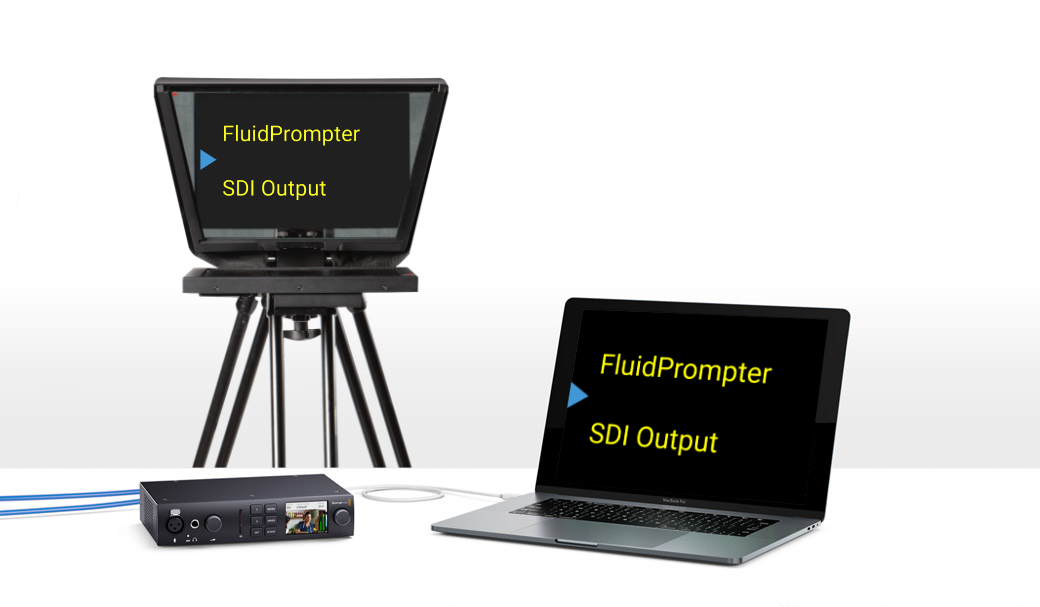
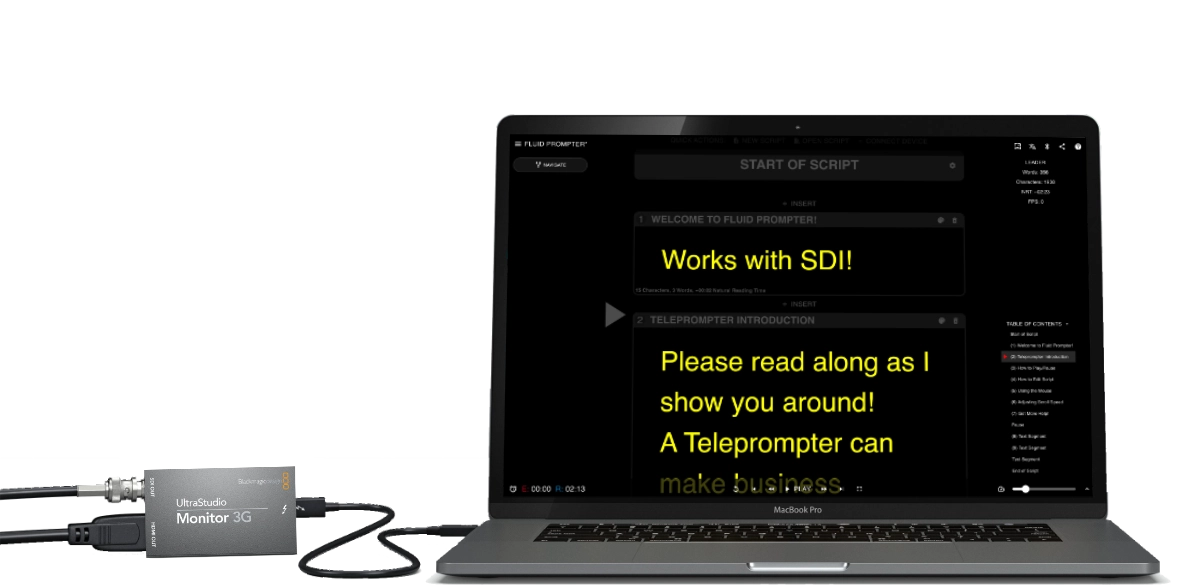
Another drawback is that HDMI acts as a second computer monitor, so it can show desktop notifications, pop-ups, or even the wrong window if someone alt-tabs mid-production. That's why professionals rely on dedicated SDI output devices — purpose-built for clean, reliable, and distraction-free video feeds.